Watch
See a call become the record.
Short films of the real app, on calls we staged. Start with the how-to, which follows one Teams call from the card that asks before anything is recorded to the notes waiting when it ends. By default it asks before it records.
Read what is said
You’re about to record a client call on Teams. Most tools do it by sending a bot into the meeting.
So the first thing your client sees is a stranger in the participant list. Before you’ve said a word, the tone of the call has changed.
Here’s how to record the call without anything joining it.
Go to recordist.app/download and install the app.
Open it. This is the Meetings screen. Every call you record lands here, and there’s no account to create.
Now start your Teams call as you normally would.
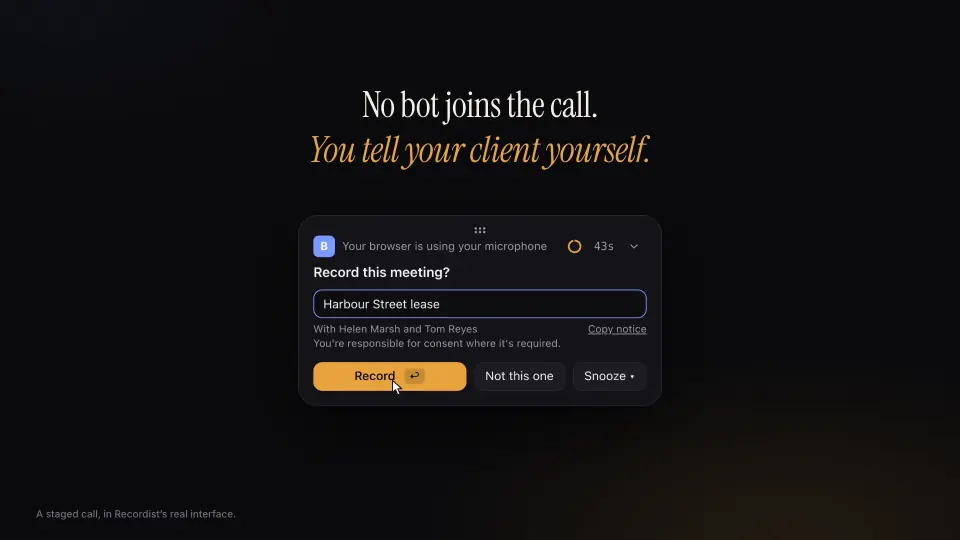
When the meeting app takes the microphone, Recordist notices and asks: record this meeting? Nothing has been recorded yet.
The card also gives you the words to say. Read them out, and let your client answer.
When they’re happy, press Record.
During the call, this is all there is: a small strip with the time. No tile, no bot, nothing in the participant list. Your client sees you, and only you.
When the call ends, the meeting opens. On the left, the transcript: every line, who said it, and when.
On the right, the notes, written from the transcript. Then checked against it. Anything the words don’t support is removed, and the app tells you so.
Further down, the action items. Each one carries the time it was agreed. Press it, and the transcript goes to that line.
And the record card: what was decided, what you owe, what you’re owed. Press the time beside any of them, and hear it said.
One line on that card matters more than the rest. Recordist made no internet request during this call.
Open the Privacy Ledger and you can check it. The ledger lists the requests the app makes and what they carried. The audio isn’t there, because the audio never leaves. The transcript is written right where you took the call.
That’s it. Record the call, tell your client, and keep the record.
Recordist is free to start. No account. The link is below.
How-to · 2 min 33 s
How to record a Teams call without a bot joining
Watch a Teams call go from the first card to the finished notes, in the real app. The card gives you the words to tell your client, and by default it asks before it records.
Films
When you have a few minutes.
-
A whole client call, start to finish
Follow a client call about a shop lease from the first hello to the record it leaves, and see what was decided and who owes what, with any line there to hear again while the audio is kept.
Shorts
When you have half a minute.
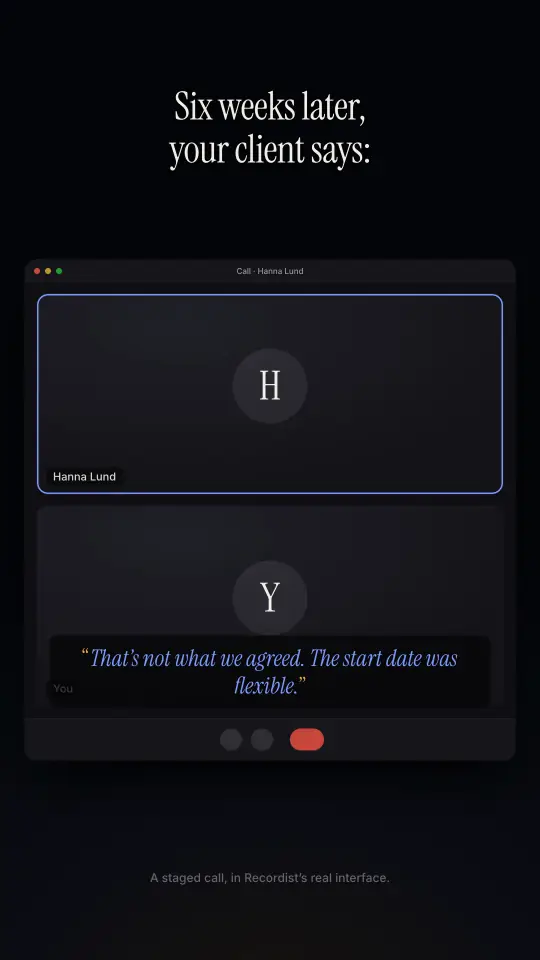
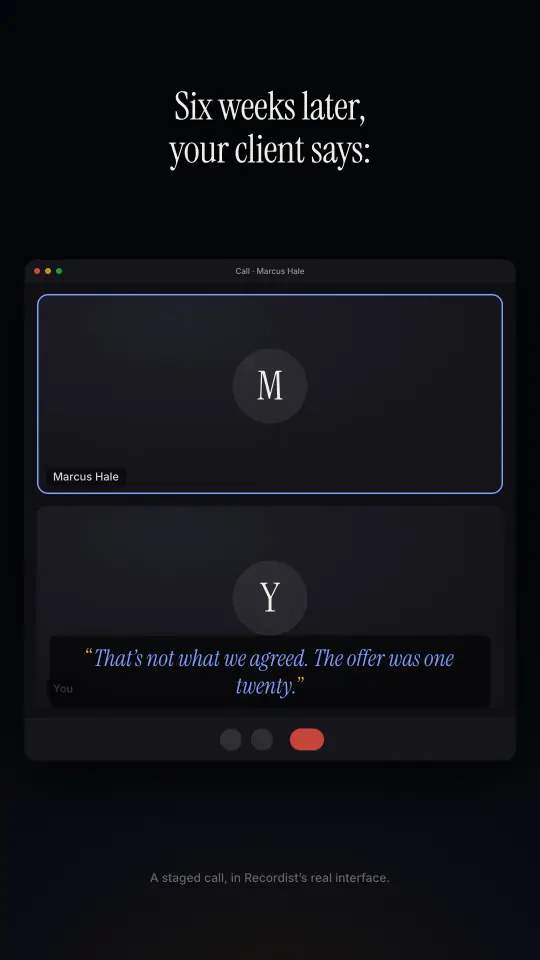
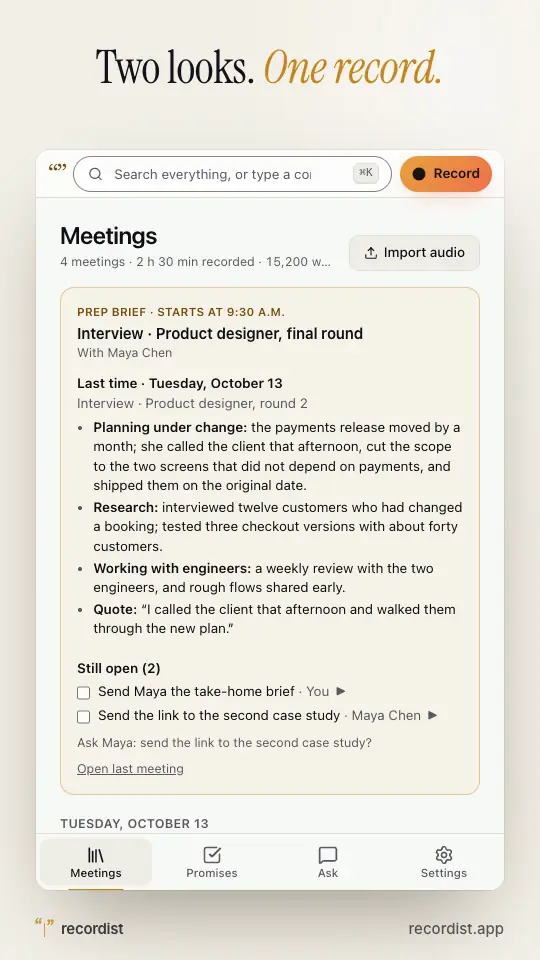
In the Memory Test Shorts, someone remembers a call differently six weeks later, and the record still has the words. There is one on the app’s two looks as well.
-
The Memory Test
HR, six weeks later
When a fixed start date is suddenly remembered as flexible, the record still has what was agreed.
-
The Memory Test
A recruiter, six weeks later
When an offer is remembered higher than it was, a search for the figure takes you to the moment it was said.
-
Two looks for the same record
A light look for daylight and a dark one for late calls. You pick yours in Settings.
Follow along
See the next film first.
New how-tos show the app on the calls people ask us about. Follow Recordist where you already are, and they come to you.
Or try it on your own next call.
Free, with no account. By default it asks before it records.
A staged call, in Recordist’s real interface. The people in these films are made up.